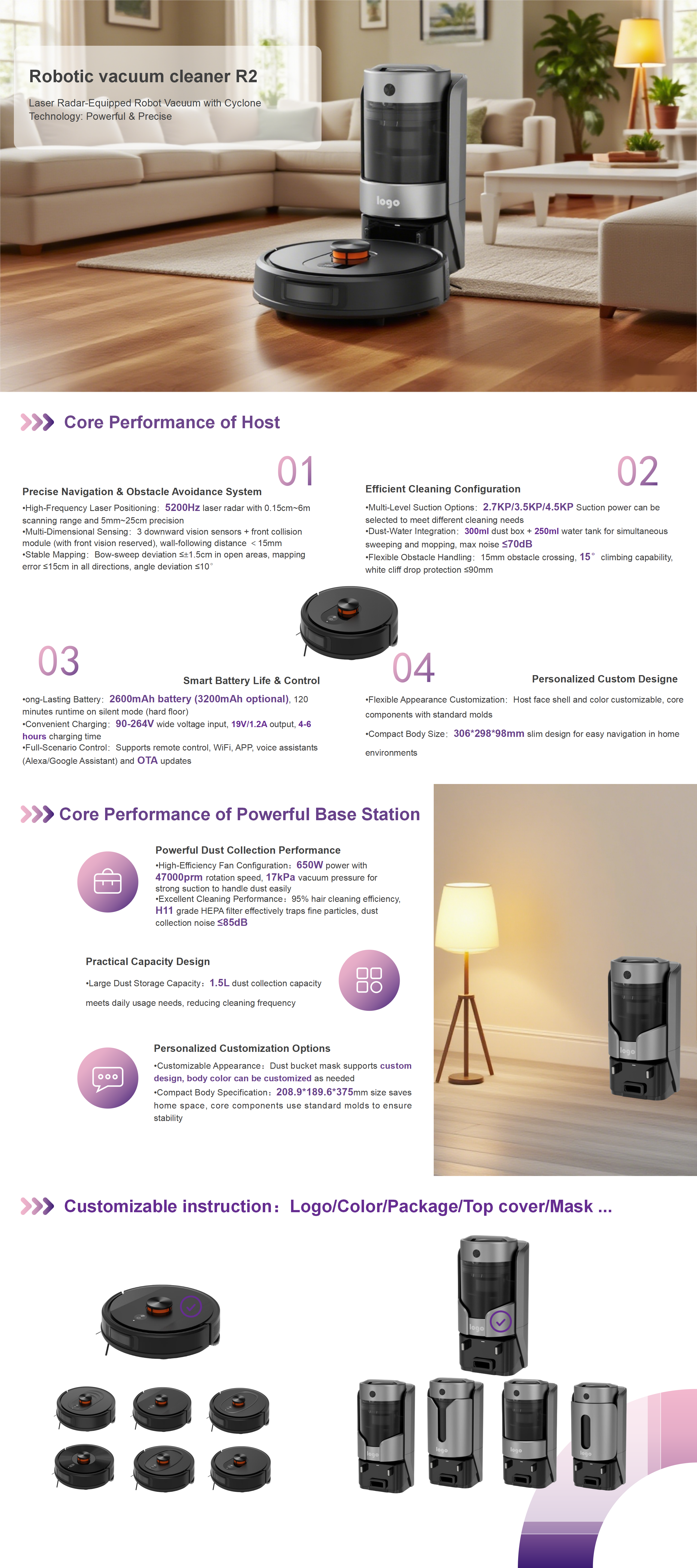
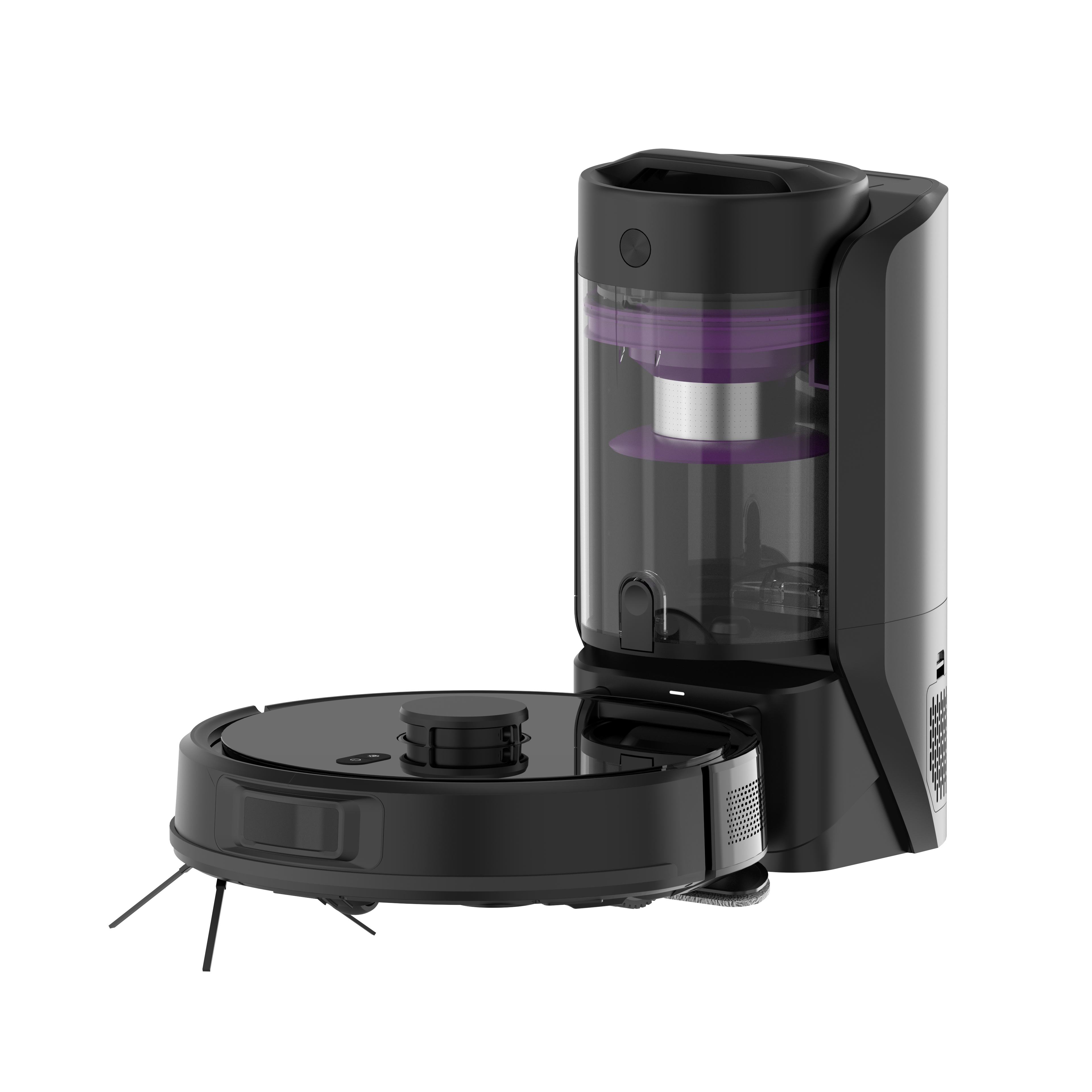
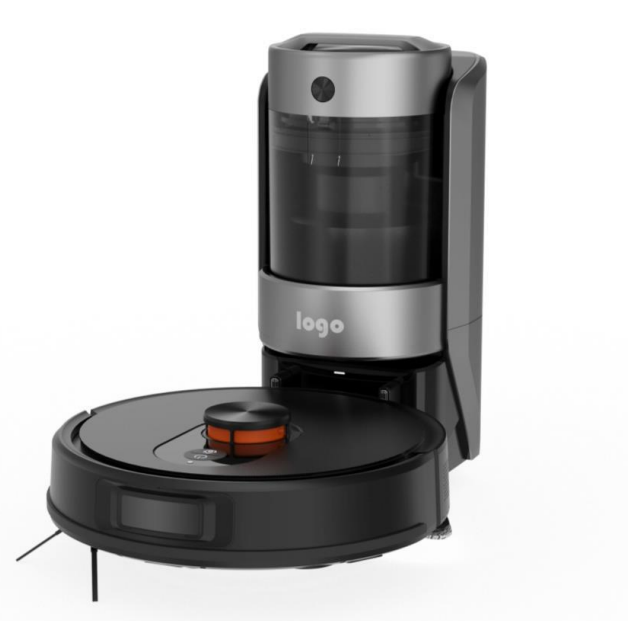
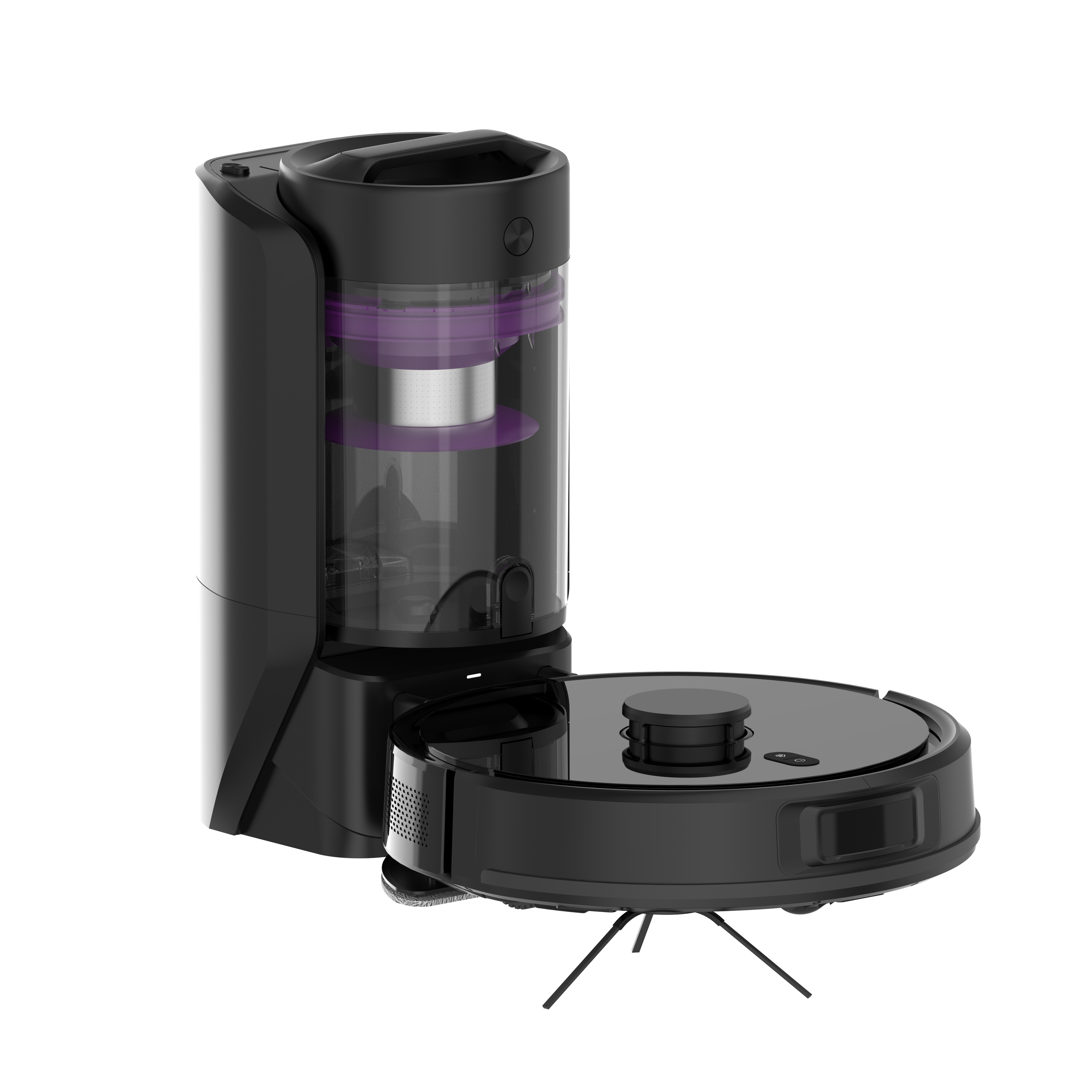
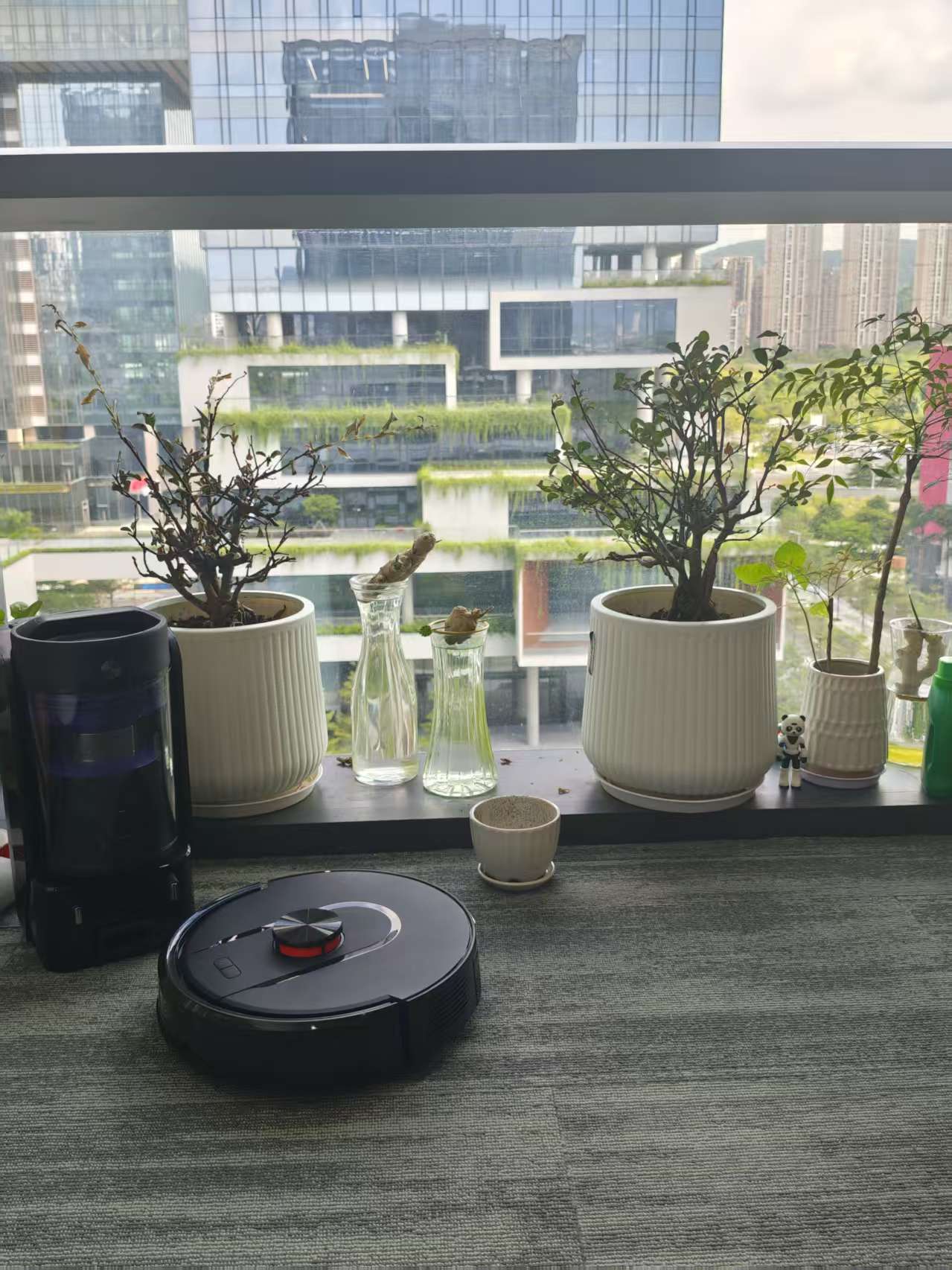
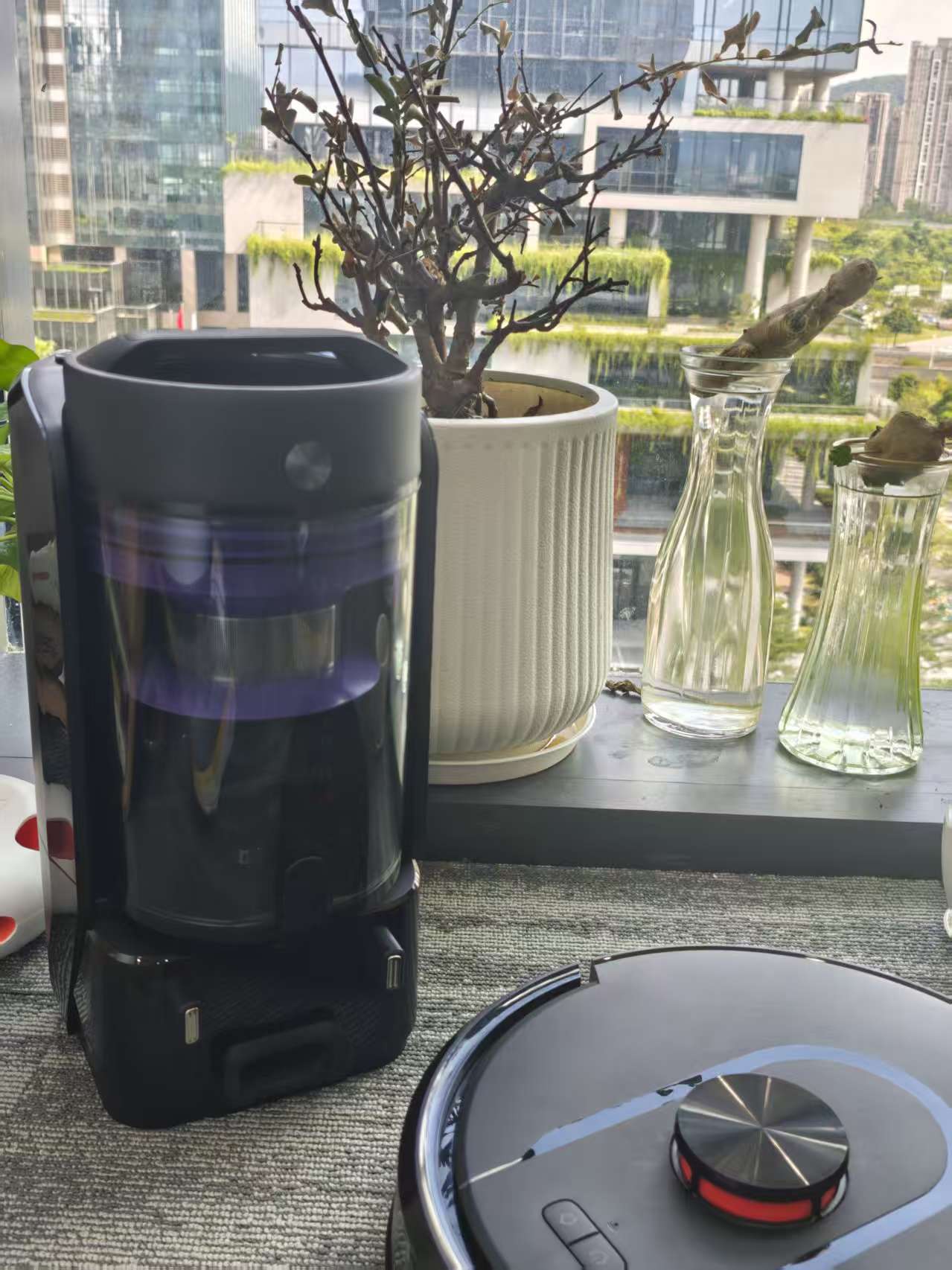
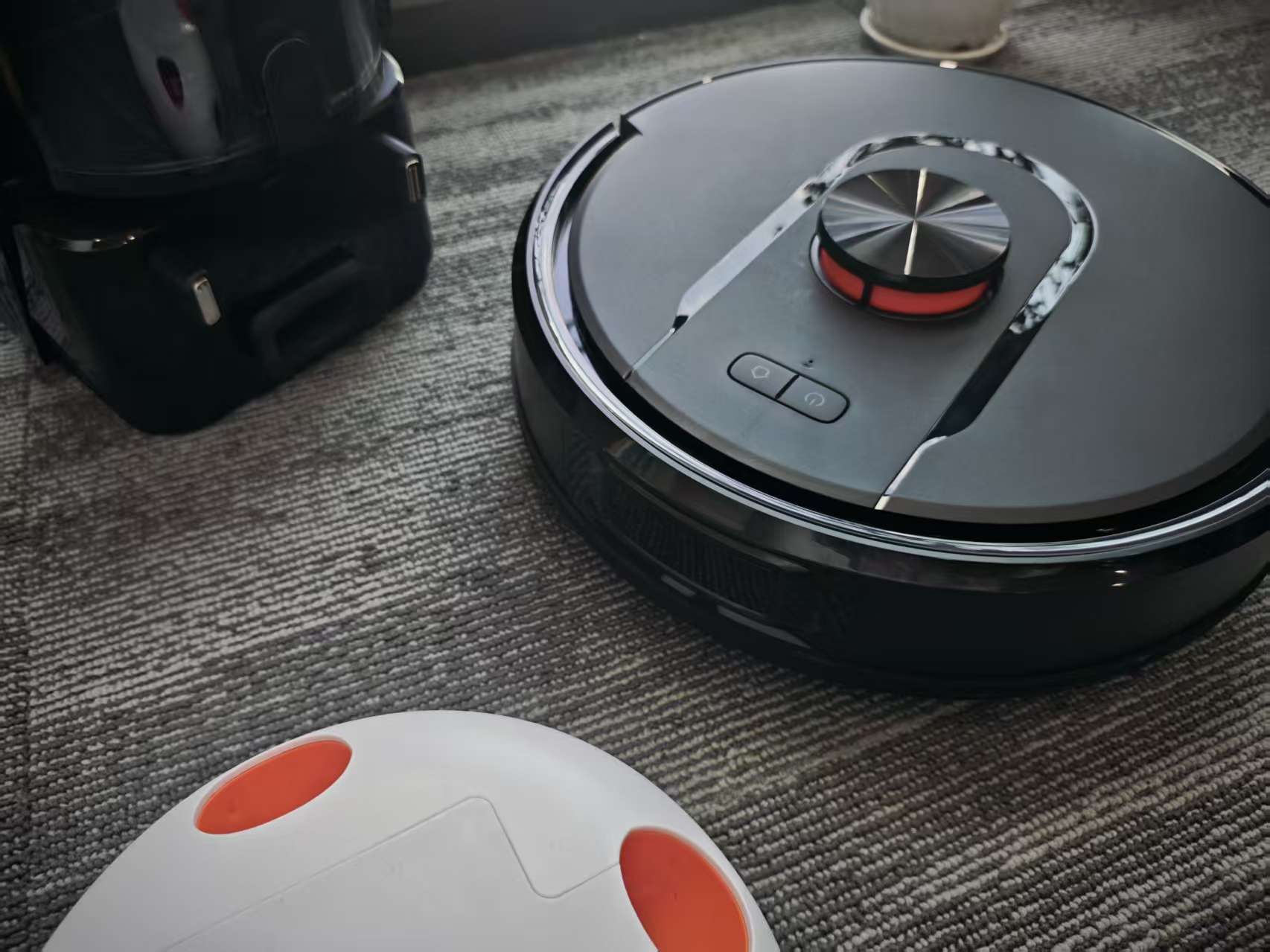
Smart 360° Laser Navigation – Maps your home in real-time for efficient, complete coverage.Multi-Sensor Anti-Collision System – Avoids obstacles and prevents falls for reliable cleaning.Composite Mop with Strong Stain Removal – Locks in and wipes away common stains like coffee and sauce easily.260ml Smart-Controlled Water Tank – Three water flow levels keep the mop moist for consistent dirt dissolution.Dual Cleaning Modes – Bow-shaped sweeping + Y-shaped mopping with back-and-forth wiping for deep cleaning.High-Efficiency Dust Collection – 17kPa suction with cyclone technology; bagless and antibacterial to avoid secondary pollution.4-Level Suction Adjustment – Removes dust, hair, and fine particles thoroughly from floors.Tangle-Free V-Shaped Roller Brush – Cleans edges and gaps quietly with minimal maintenance.Long-Lasting Battery – Supports extended cleaning sessions without interruption.Flexible Control Options – Selective, remote, and scheduled cleaning for a smarter experience.
Product details
cyclone bucket version robotic vacuum cleaner.mp4
FAQs for Intelligent Sweeping Robot1. Setup & InstallationQ1: First-time setup?A: Remove protective strips. Install side brush. Hold power button 3s to start. For Wi-Fi, hold Home + Power buttons 5s until "Wi-Fi reset", then connect via app (2.4GHz only).Q2: Install dock?A: Place on hard flat surface against wall. Keep 1.2m front/0.5m side clearance. Not for carpets. Plug in.2. UsageQ3: Start/stop?A: Short press power to start/pause. Hold 3s to turn on/off.Q4: Auto-recharge?A: Returns automatically when low battery or job done. Enable "Resume Cleaning" in app to continue after charge.Q5: Refill water/clean mop?A: Pause, remove tank, refill/clean, reinstall, resume.3. MaintenanceQ6: Clean dustbin?A: Empty at MAX line. Rinse filters; must be fully dry before reuse. Clean dust duct monthly.Q7: Brush care?A: Use tool to remove hair from roller. Replace side brush every 3-6mo, mop cloth every 6-12mo.Q8: Sensors?A: Wipe cliffs, IR lenses, contacts weekly with dry soft cloth.4. TroubleshootingQ9: Won’t turn on?A: Charge battery first. If stored long-term, recharge monthly.Q10: Red light?A: Error. Check app for alerts or clear blockages (sensors, brushes, wheels).Q11: No Wi-Fi?A: Must use 2.4GHz. Reset Wi-Fi (hold Home + Power 5s for "Wi-Fi reset").5. Parts & BatteryQ12: Buy parts?A: Use only originals from authorized dealers.Q13: Replace when?A: Side brush: 3-6mo. Mop cloth: 6-12mo. Filters: Clean monthly.Q14: Battery disposal?A: Remove battery, dispose at certified recycler.Note: Power off before maintenance. No DIY repairs. Contact support if needed. Store charged in cool dry place.